1. Describe the product and the shot
Start with the material, colour, setting and purpose. A simple product brief is easier to refine than a long list of unrelated visual styles.
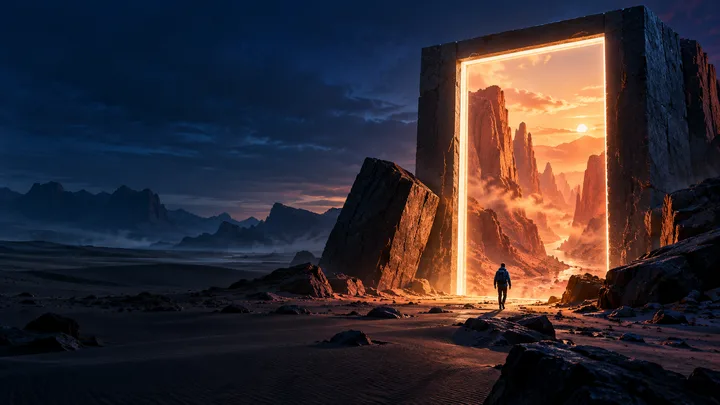
Turn text into images, explore supported references and review the credit quote before you create. Eligible new accounts can start with free trial credits.
A PRACTICAL PRODUCT IMAGE WORKFLOW
Create a first product concept, an editorial still or a campaign image with the Ai Luq Ai image generator. Use a clear prompt and supported references, then review the output before using it in your shop or social posts.
Start with the material, colour, setting and purpose. A simple product brief is easier to refine than a long list of unrelated visual styles.
Pick an available image model. Where supported, add reference images you own or have permission to use; reference behaviour and limits depend on the model.
Check labels, shapes, colours and hands before publishing. Review the credit quote before each generation, and refine the prompt when a detail is wrong.
An unbranded amber bottle on a pale stone plinth, soft window light, warm cream background and a clean central composition. Leave clear space around the product for a separate headline. Photographic lighting, believable reflections, no text.
This is an example brief, not a promise of an exact result. Check the product details and any rights before publishing.
Eligible new accounts receive 20 image trial credits after email verification, valid for 7 days. The basic Seedream 5.0 Flash workflow uses one trial credit per basic image, for up to 20 basic images. Other eligible image tools may share that allowance; other models and settings can require purchased credits.
Keep learning: product image prompt guide, write a better AI prompt, or turn an image into a video.
Explore what each tool does. Open the one that fits your idea.
Turn a clear brief into an image. Choose a production model, add references and review an exact credit quote.
Open Image Studio
Choose a character brief, refine the look and use Image or Video on the same page. Keep your references close.
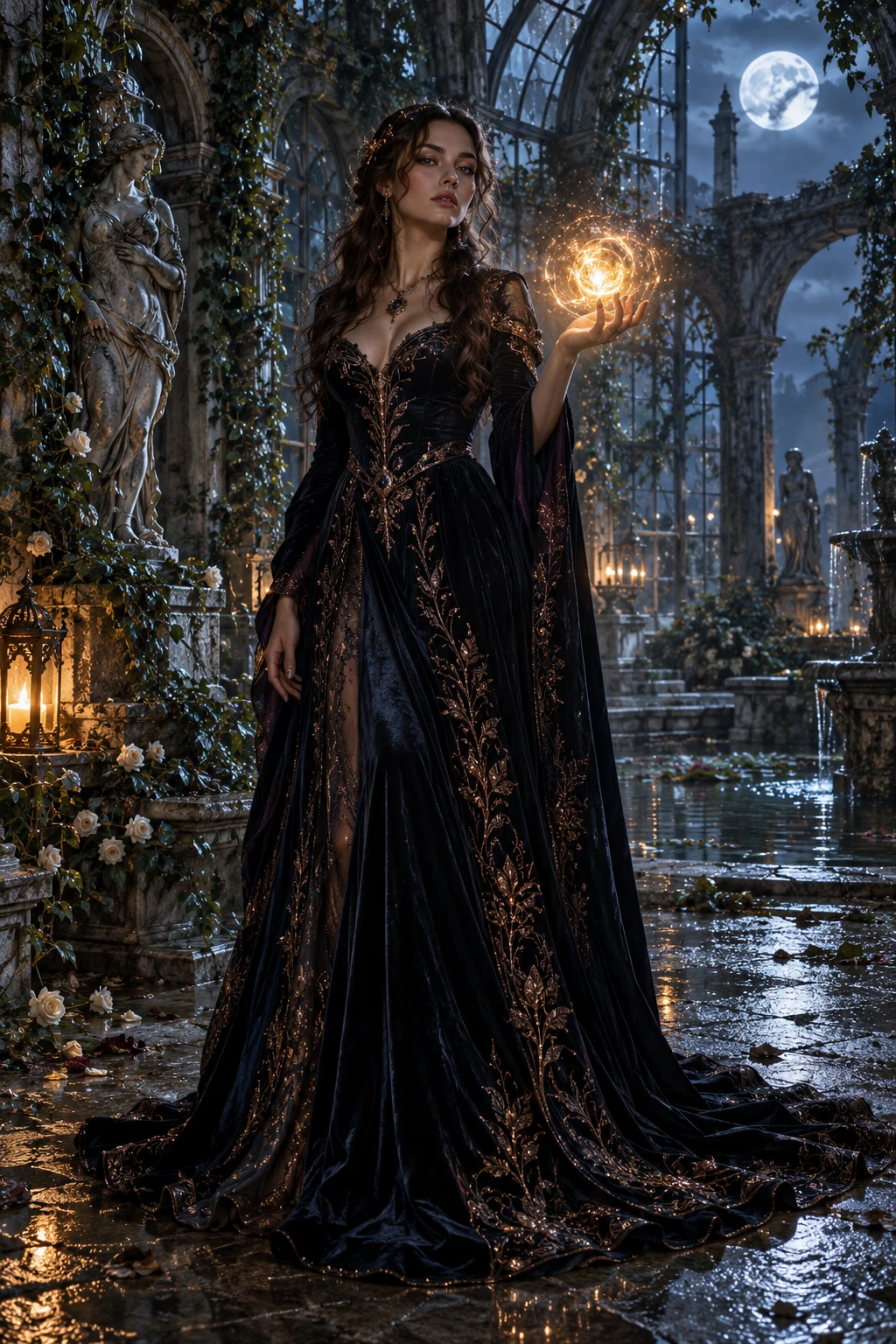
Open Luq CastA visual starting point for portraits, campaigns, worlds and original characters.
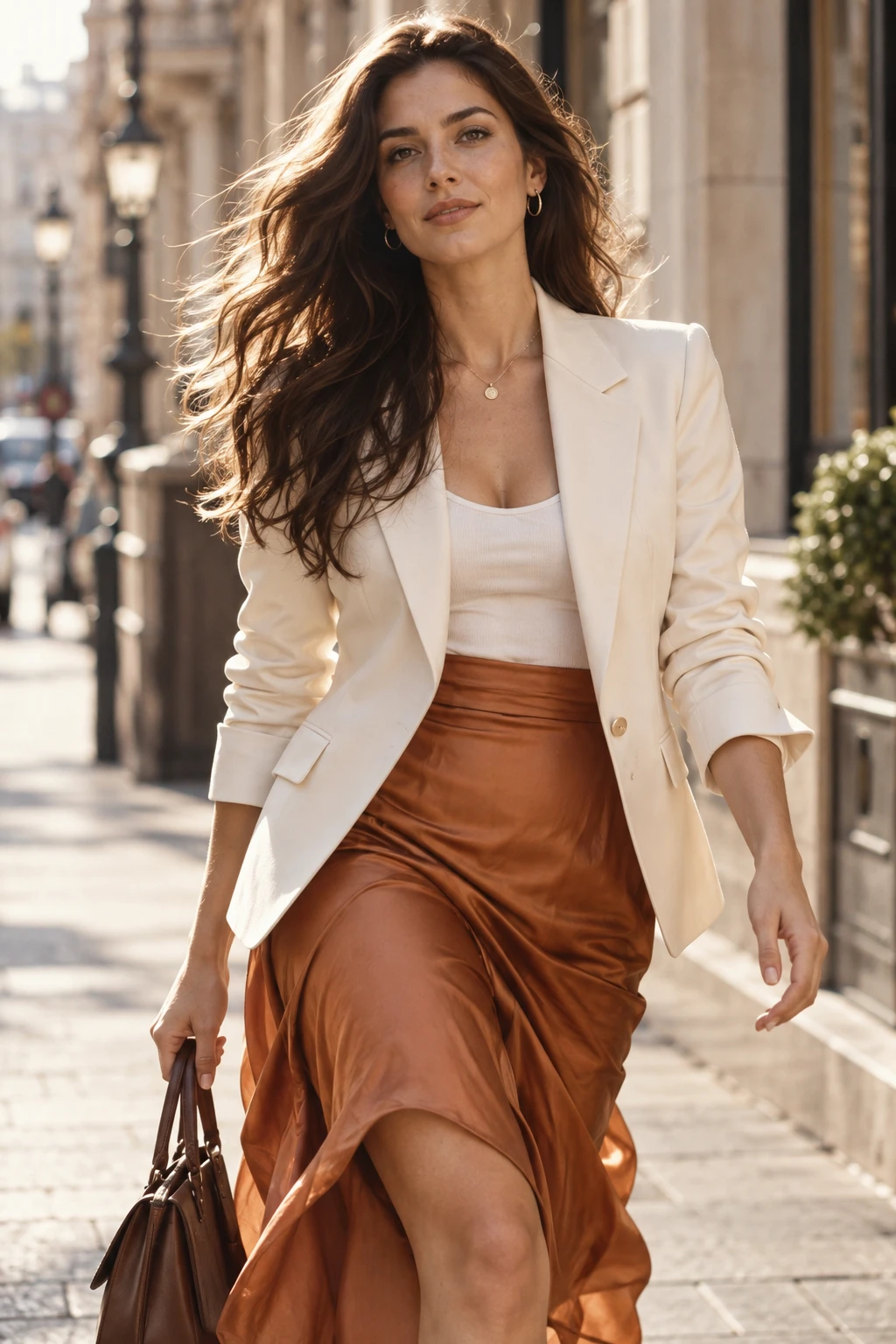
CharactersCharacter portraits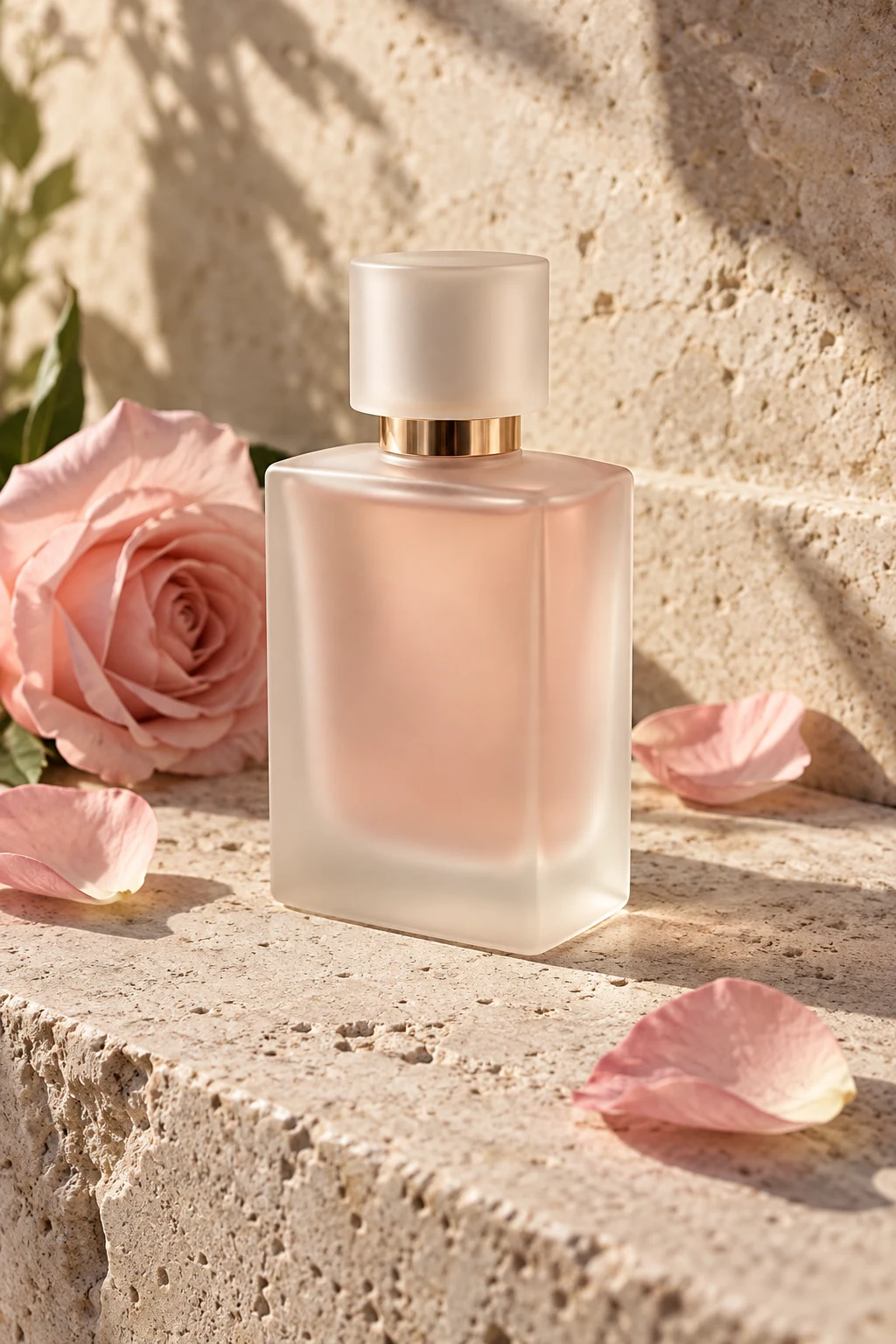 ProductsProduct campaignsWorldsImpossible worlds
 CharactersOriginal 3D characters
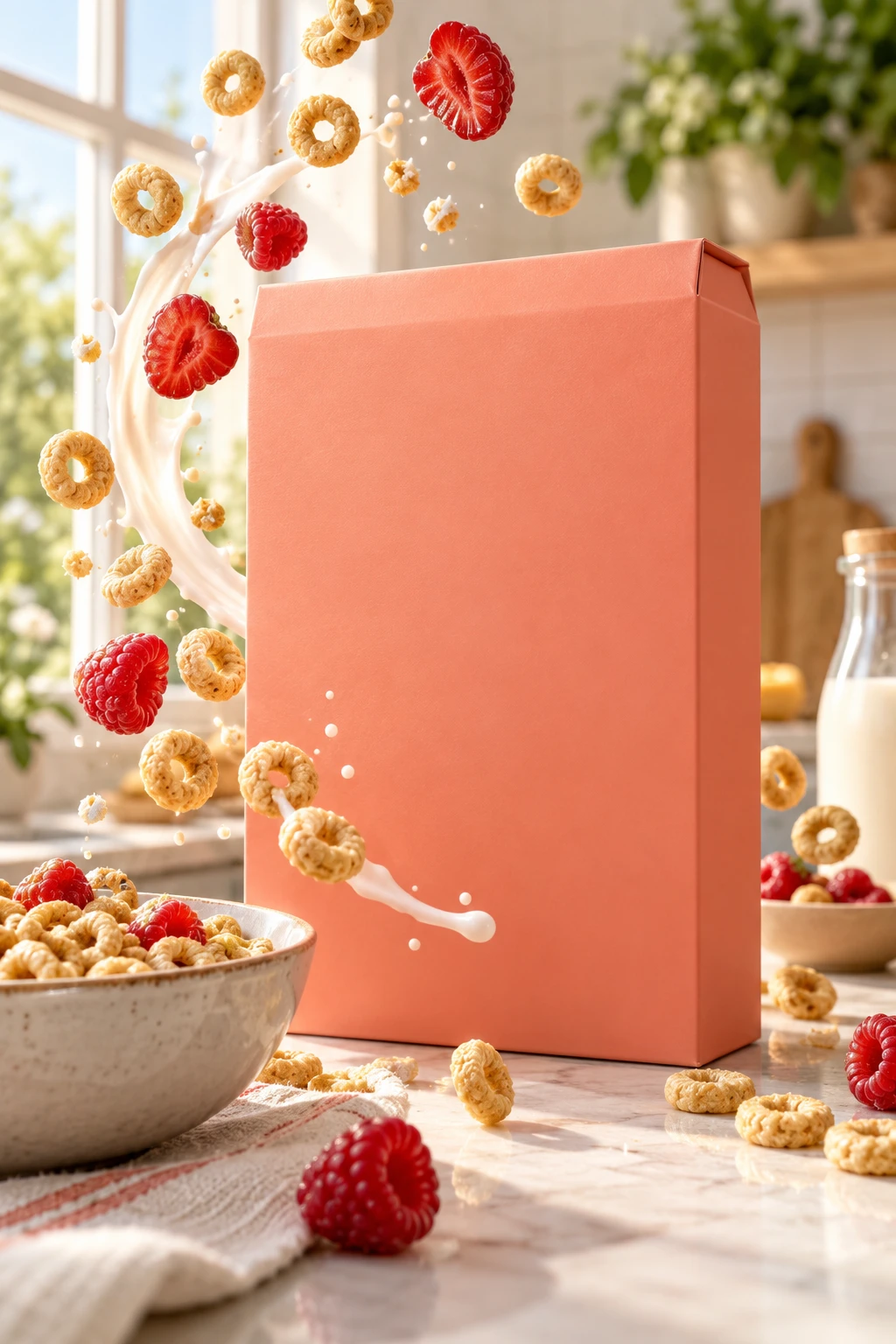 ProductsFood & still life
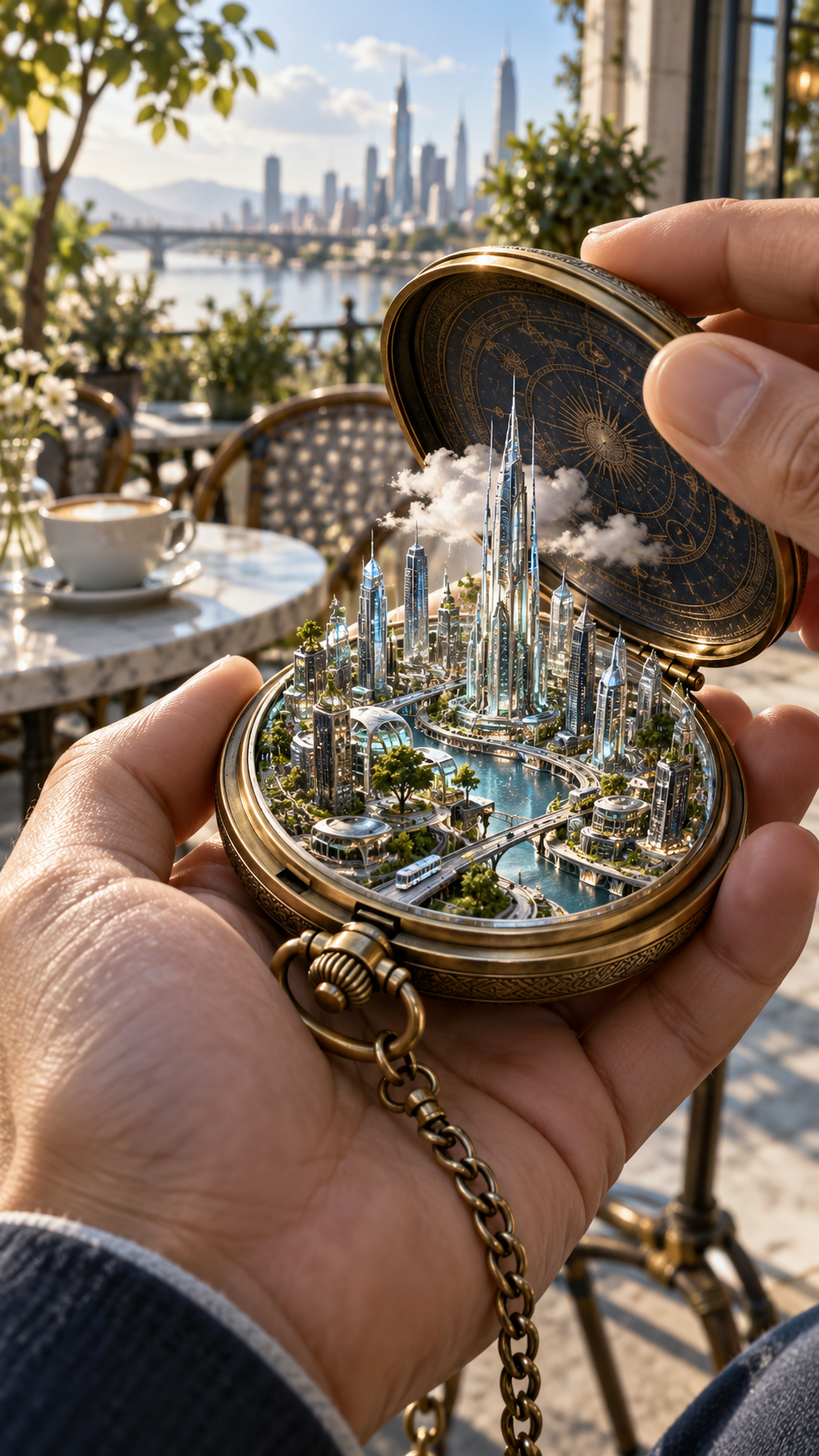
 WorldsDream landscapes
Illustrative creative artwork. Click an idea to carry its editable brief into Image Studio.
Isolate your subject and create a transparent PNG.
ENHANCEEnlarge an image with the existing 2× upscale workflow.
FINISHCrop, rotate, resize, add text and adjust light and colour.
COMPOSECombine 2–6 images, set spacing and choose the layout.
YOUR RESULTSOpen your private saved image and video results.
YOUR REFERENCESOrganize character and scene notes separately from outputs.
Choose a model, then create in Image Studio.
Explore Community, open a creation and meet the person behind it. Your private gallery stays separate; sharing is always a deliberate choice.
Explore Community Watch our curated collection
Yes. Explore the public visual collections, tools and model information first. Sign in when you want to generate or access your private saved work.
They are separate balances. The studio shows a model-specific quote before generation. Duration, resolution, references and audio can affect the price; maximum settings can cost more.
No. Showcase footage and creative artwork are inspiration. They are not a promise that a selected model will reproduce the same result. Review each output before use.
No. Private results and references are separate from Community. A creation is shared only through the explicit sharing and approval workflow.
Open Image in the top navigation for the complete image workflow. Background Remover, Upscaler, Photo Editor, Collage and your private My Assets each have a separate destination.
Video Edit currently validates the source and edit brief. Rendering is not connected there yet. Video Studio and Luq Cinema use the connected production generation workflow.