Forest Defender
A fierce guardian. A world worth defending.
Something ancient stirs beneath the canopy.
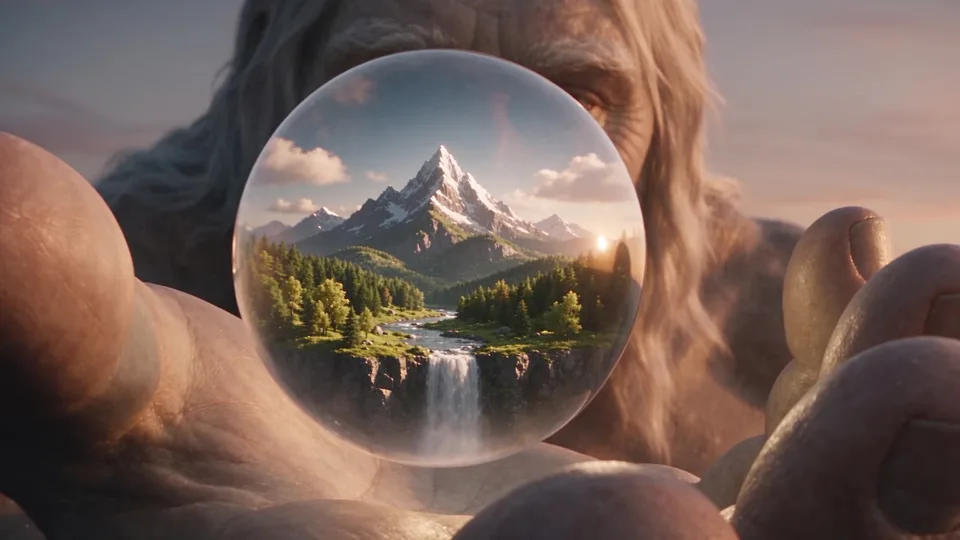
A cinematic world, imagined in the palm of a giant.
Open your studio ↗
Explore what each tool does. Open the one that fits your idea.
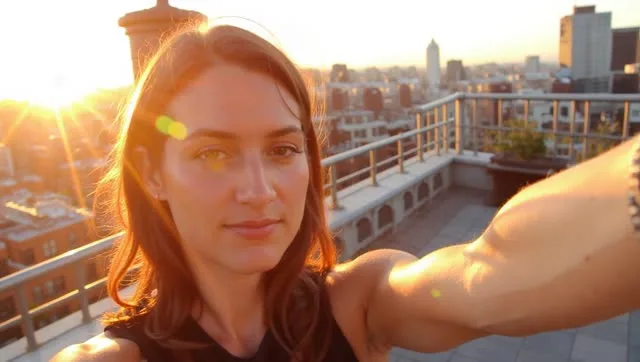
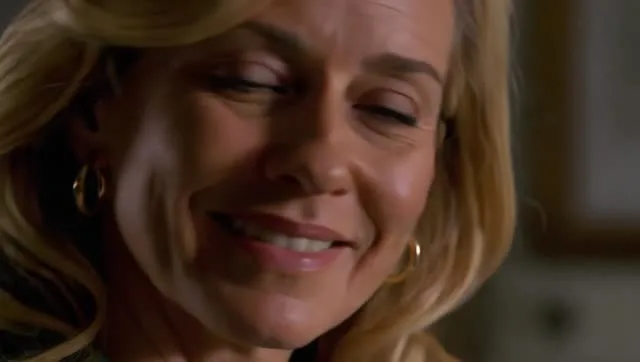

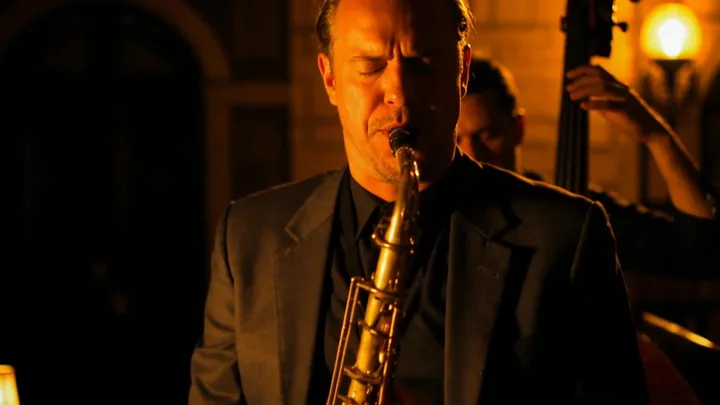
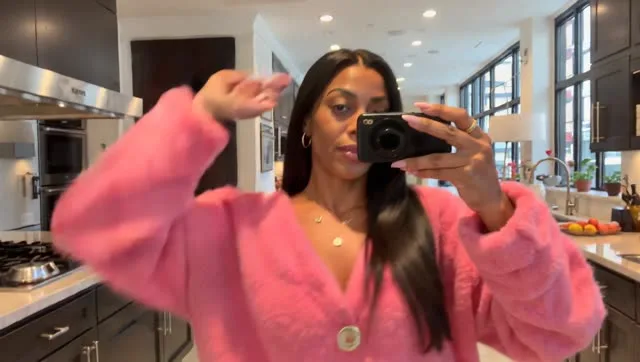
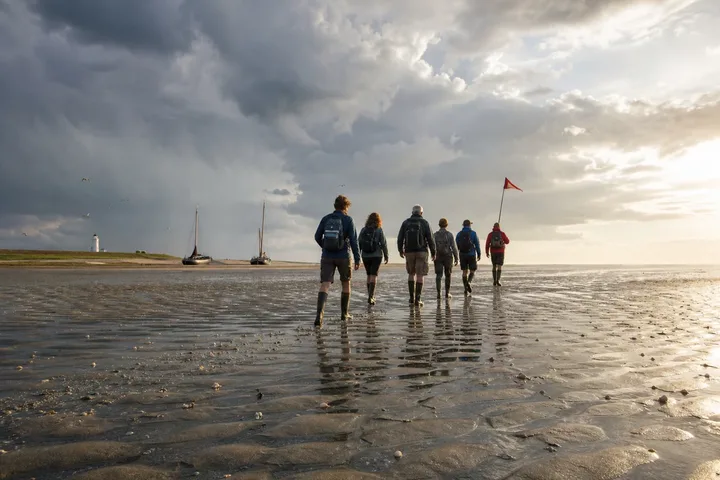
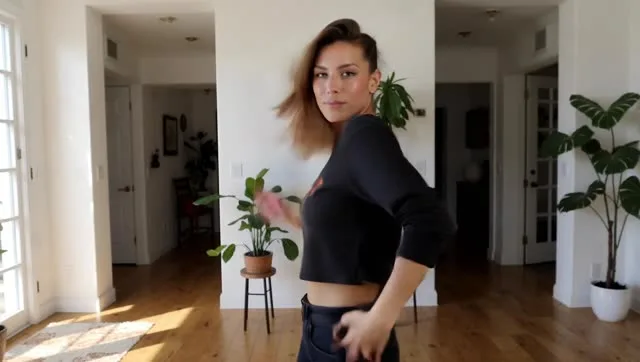
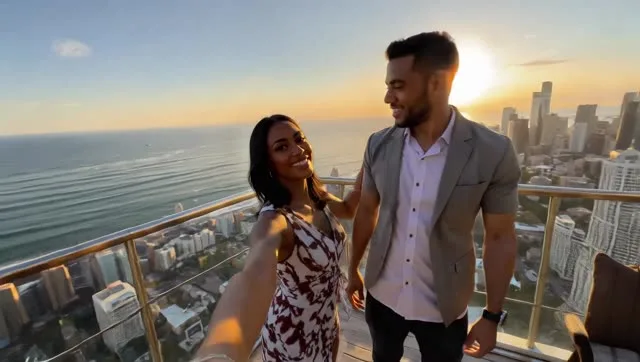
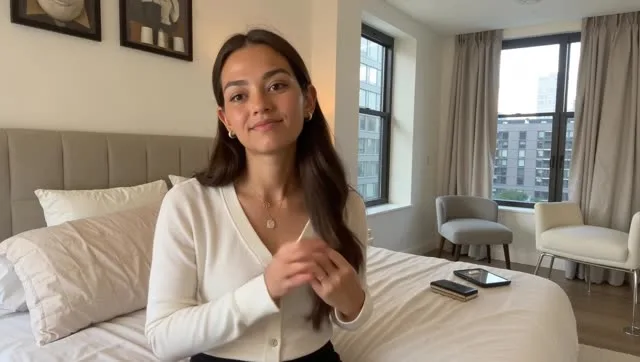
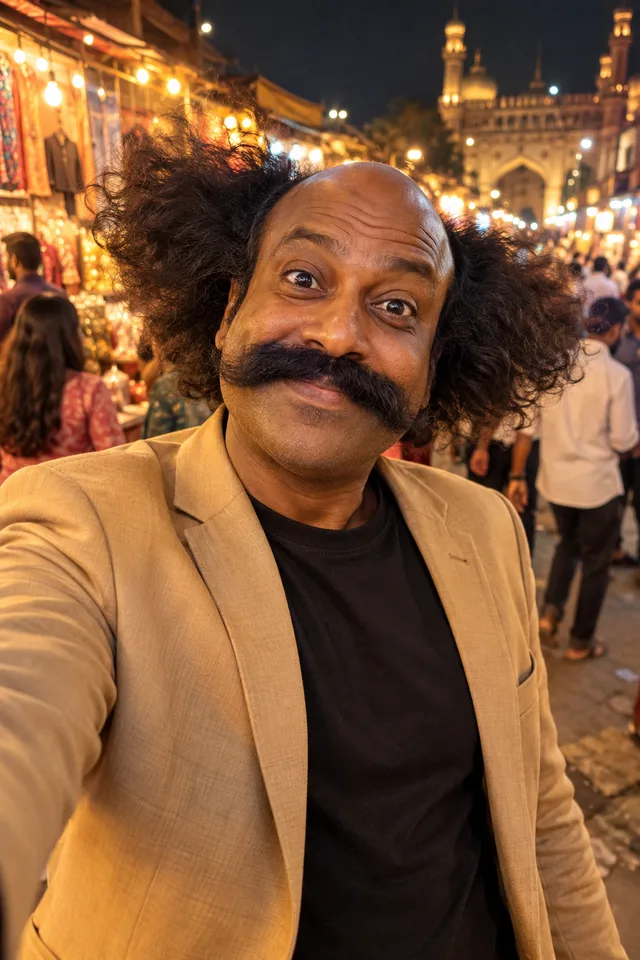
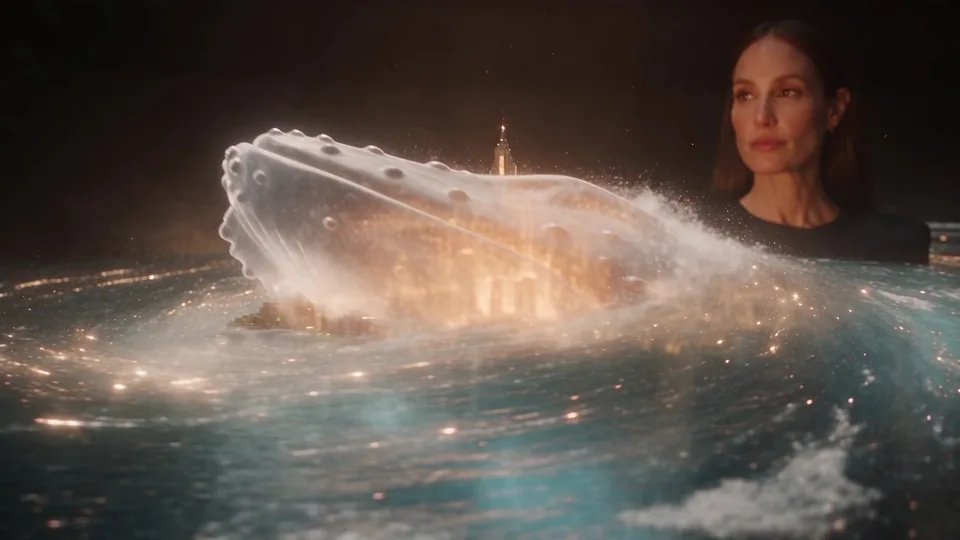
Existing Ai Luq films with reusable creative prompts. Inspiration—not a selected model’s promised output.
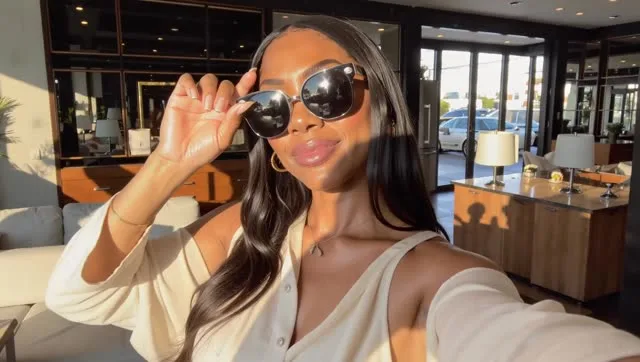
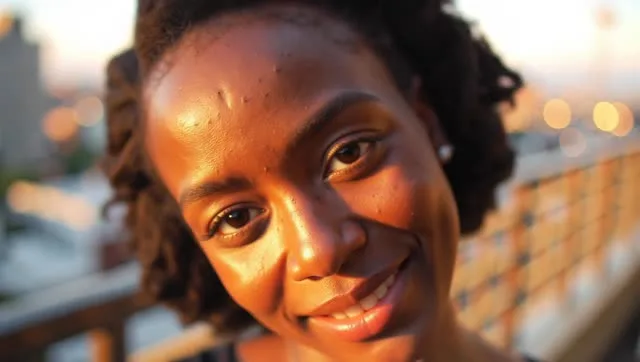

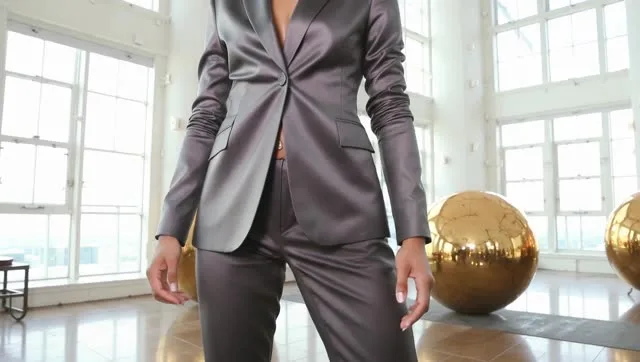
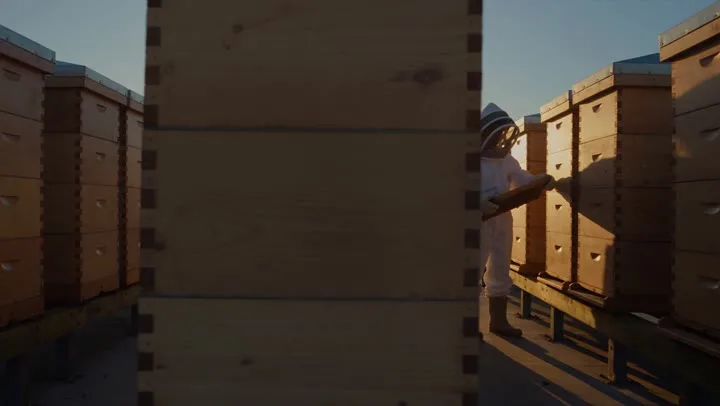
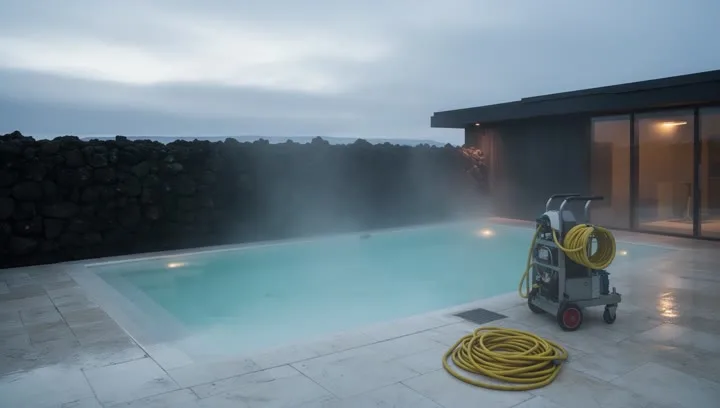
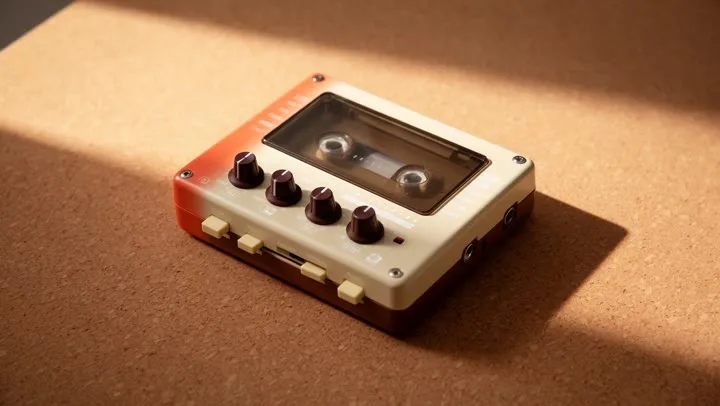
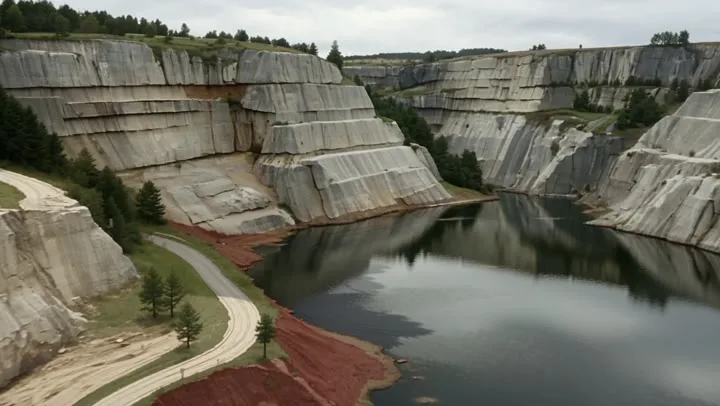
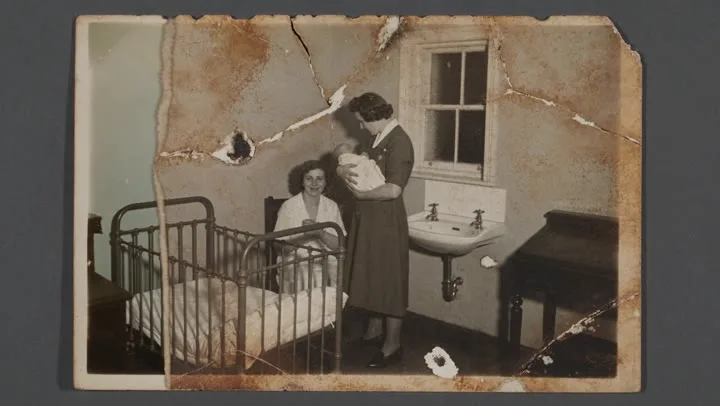
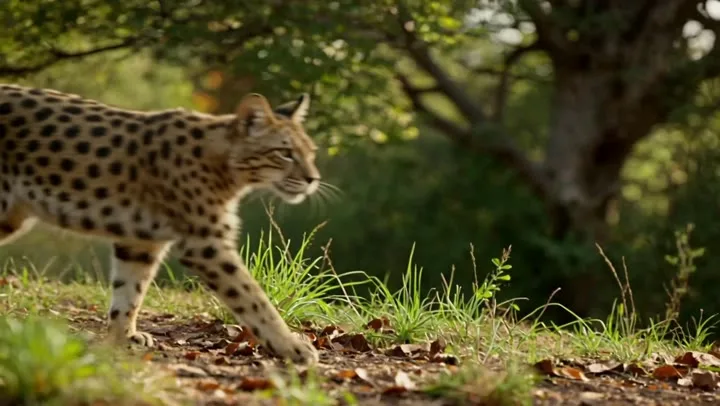
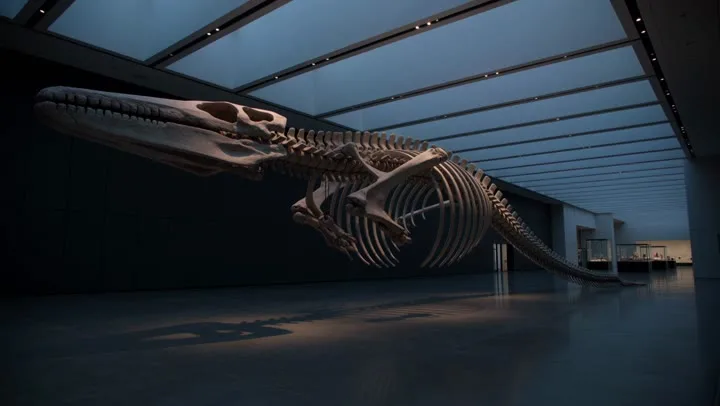
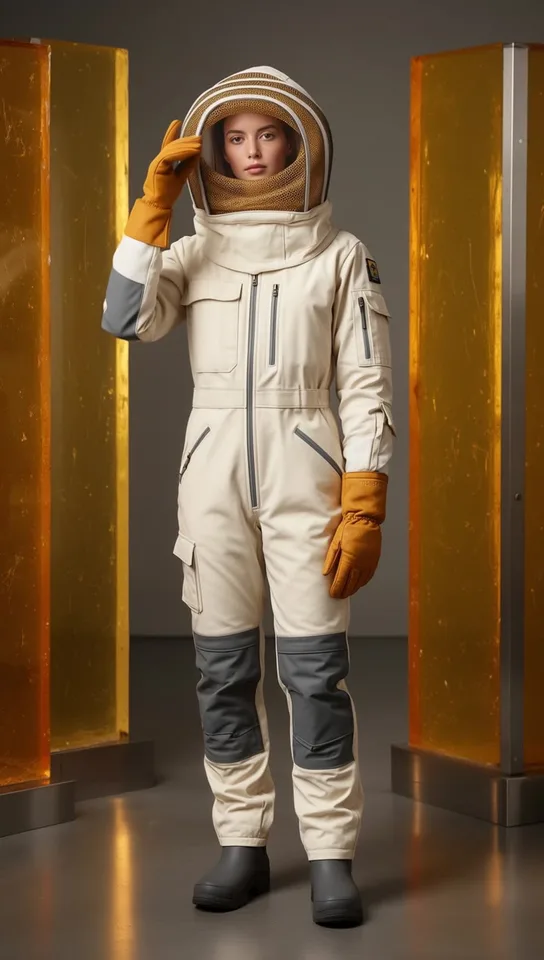
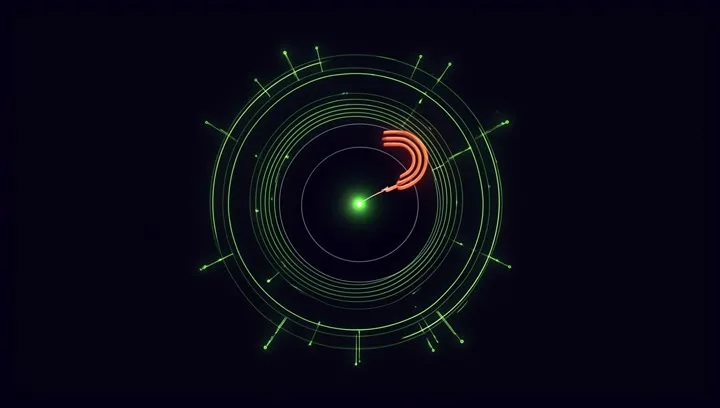
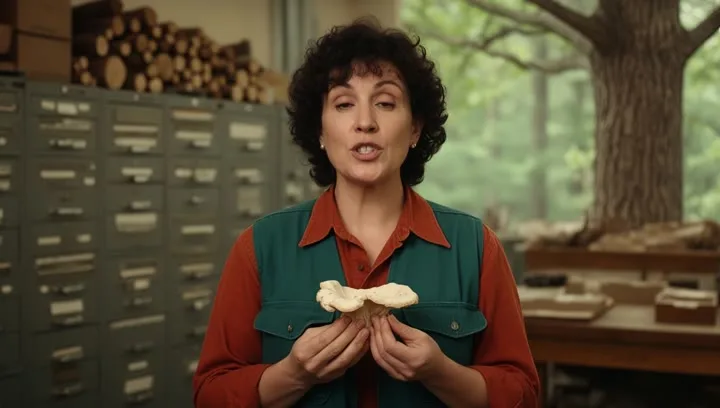
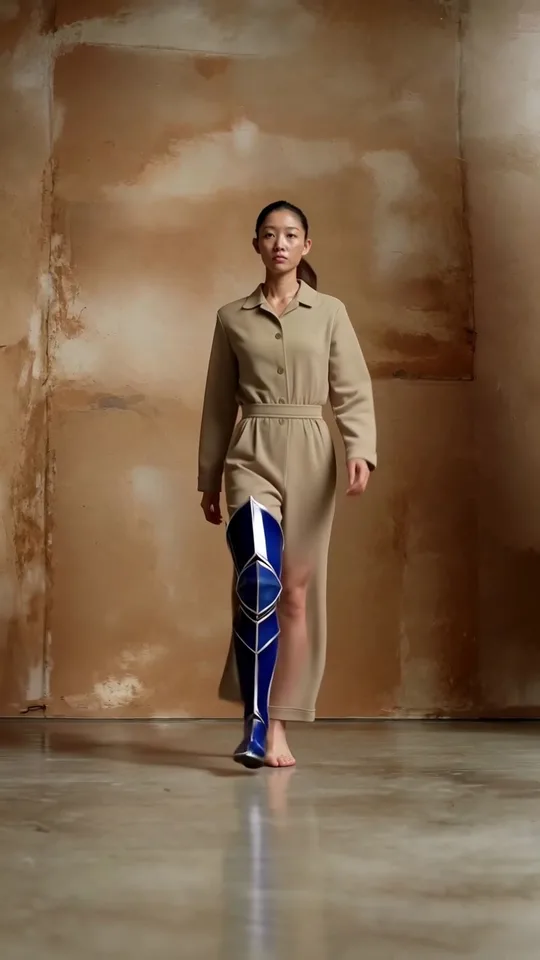
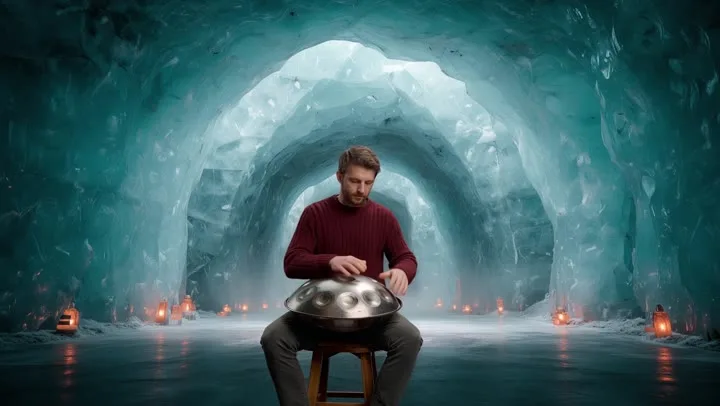
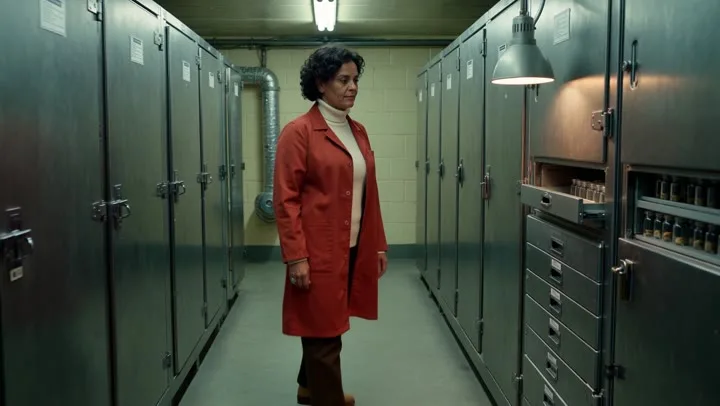
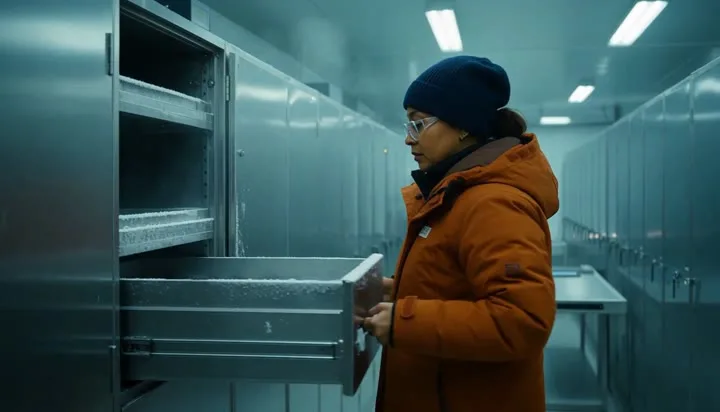
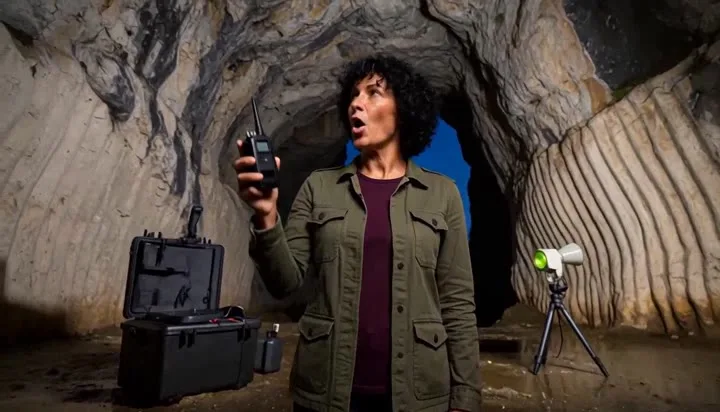
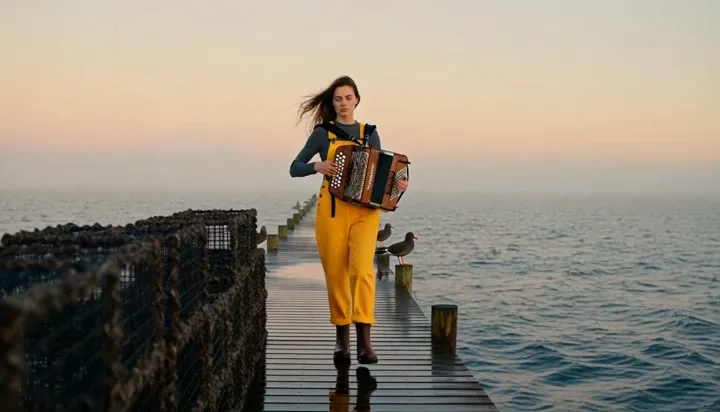
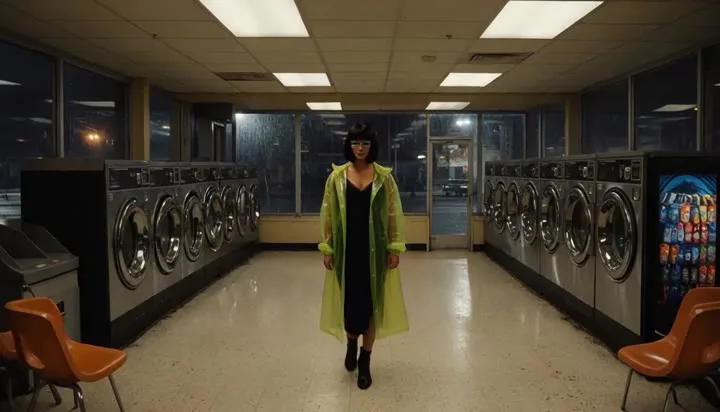
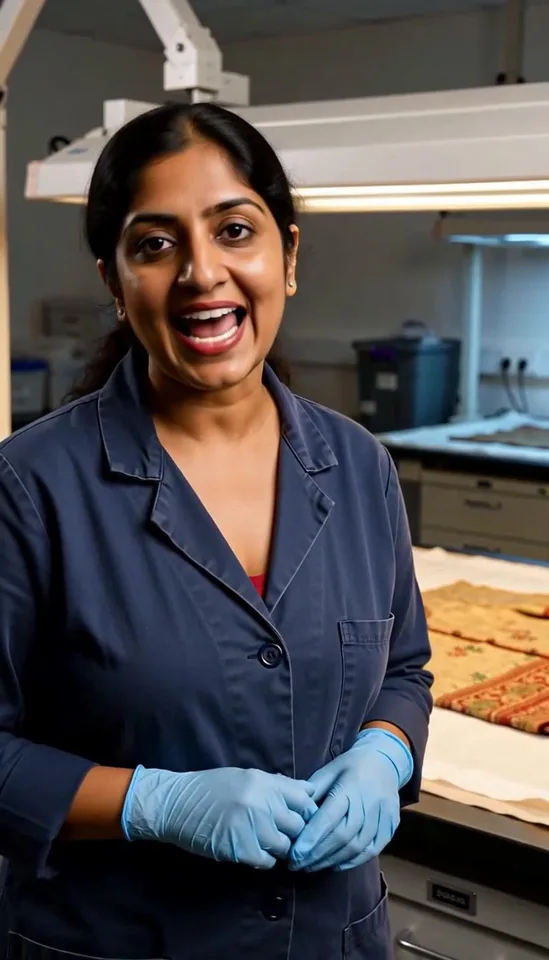


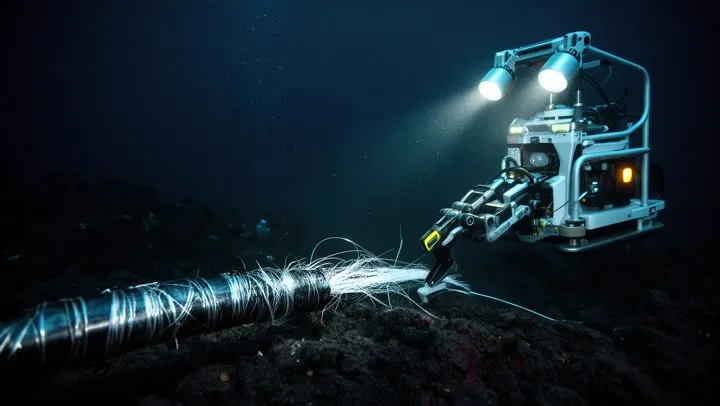
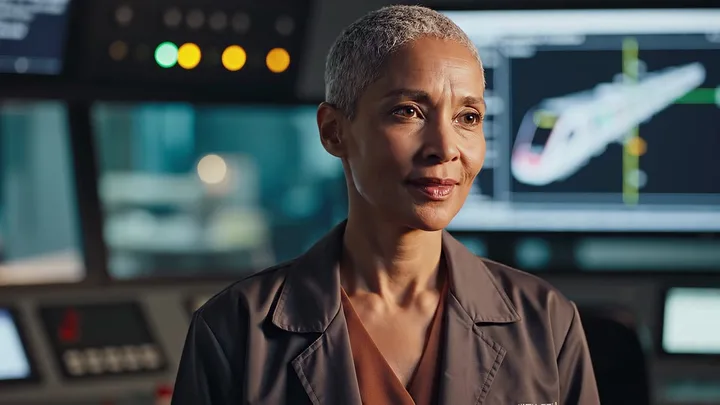

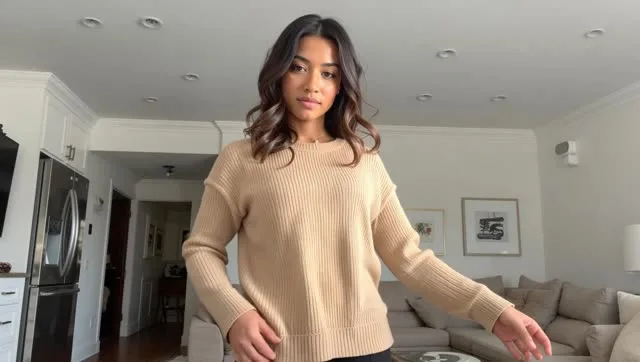
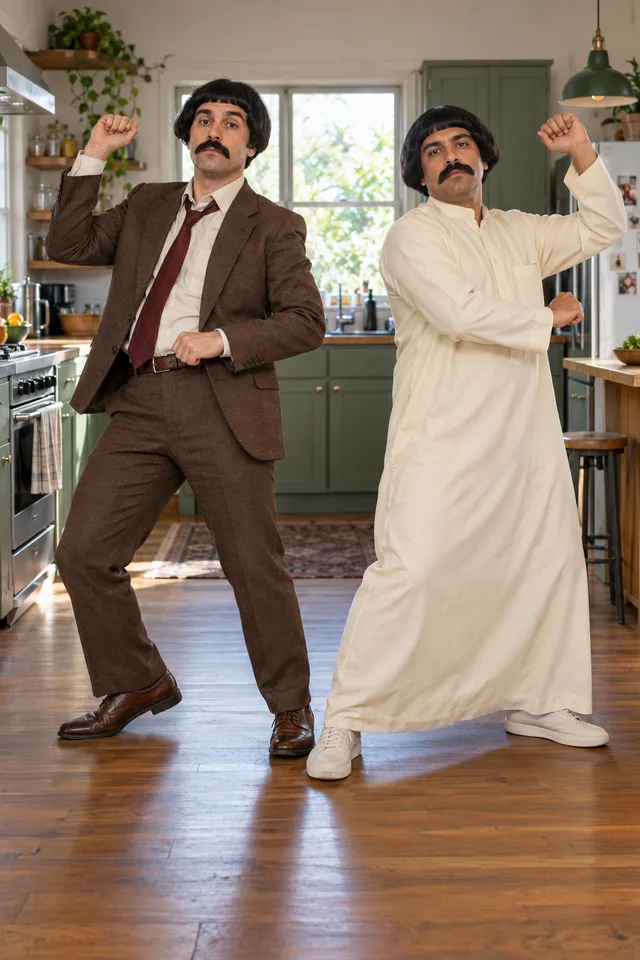
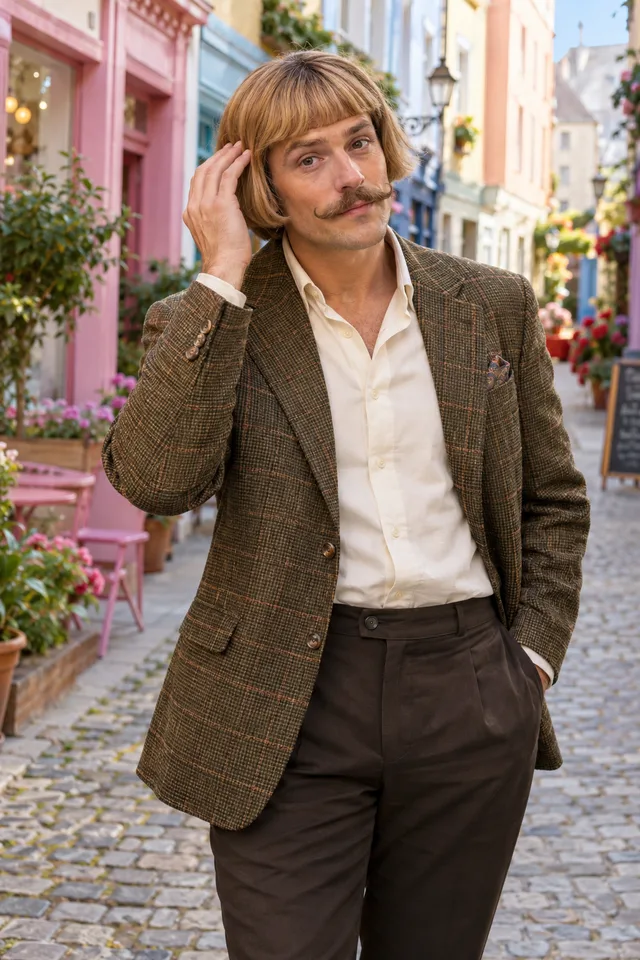
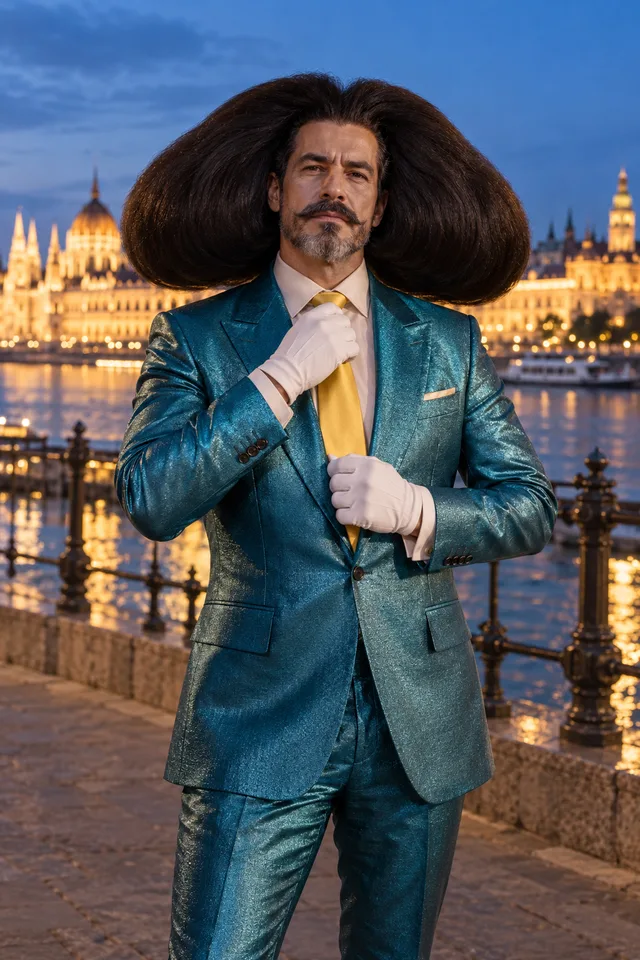
A memorable face. An unexpected story. Choose an original character, make the script yours, then bring it into Image or Video.
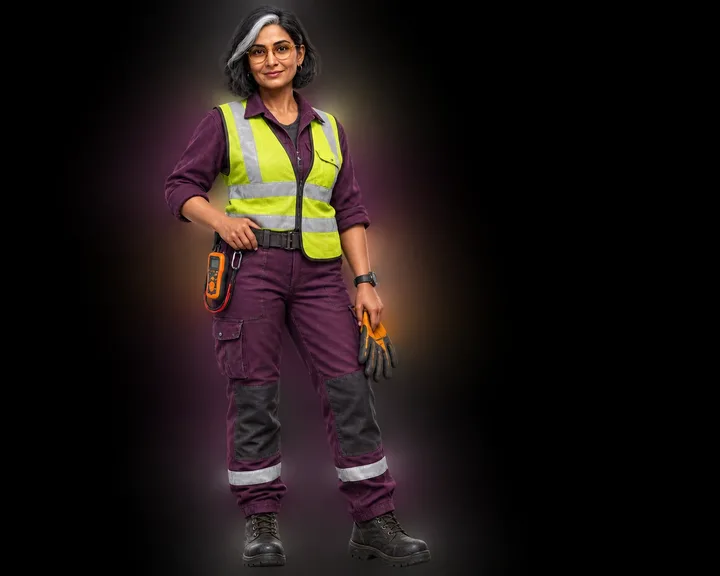
Meet your next main character Original character artwork. Select a character to create your own scene.A visual starting point for portraits, campaigns, worlds and original characters.
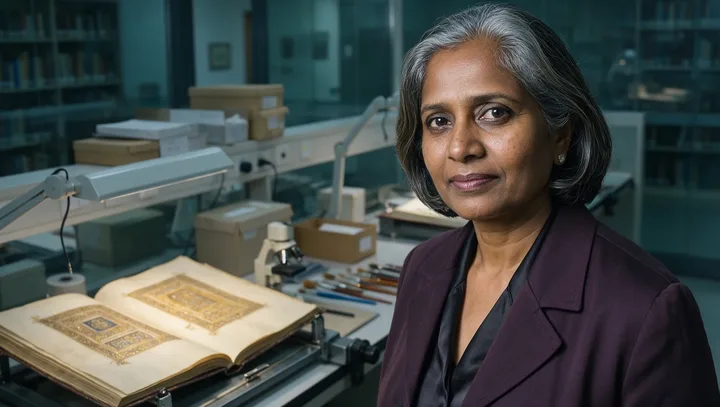 CharactersCharacter portraits
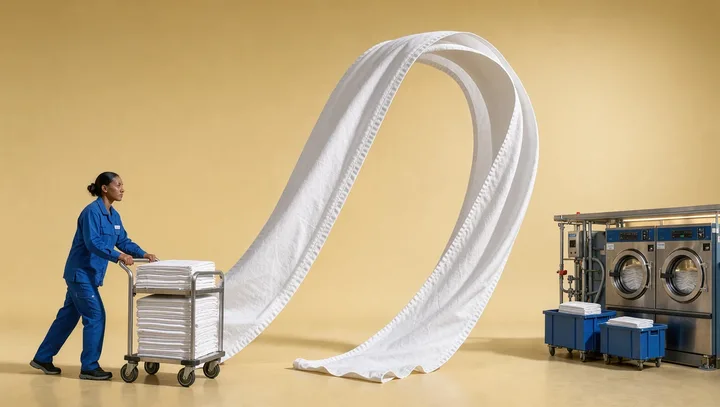 ProductsCreative campaigns
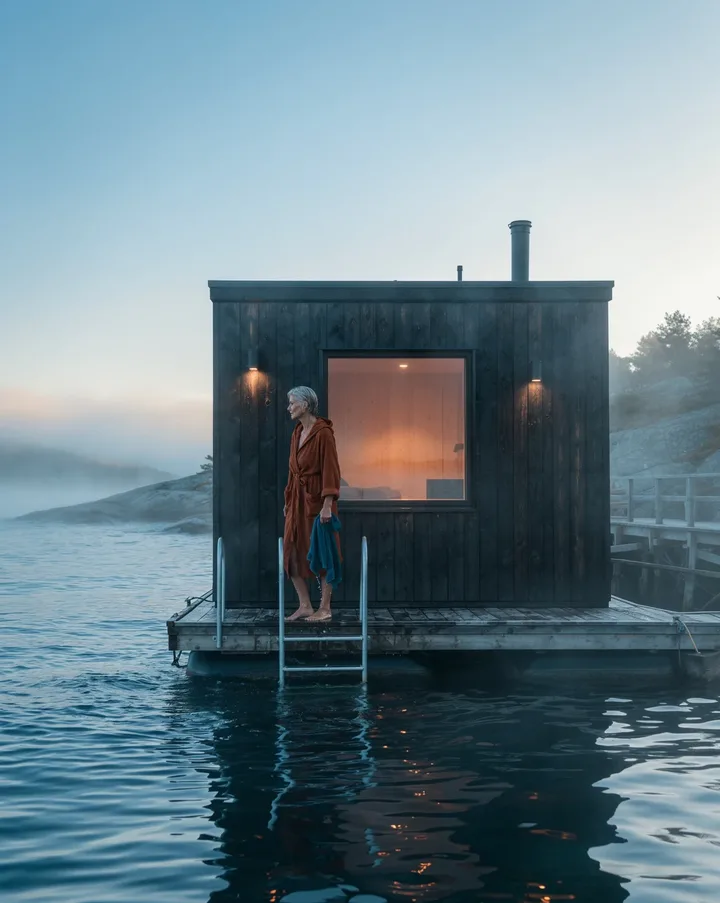 WorldsQuiet escapes
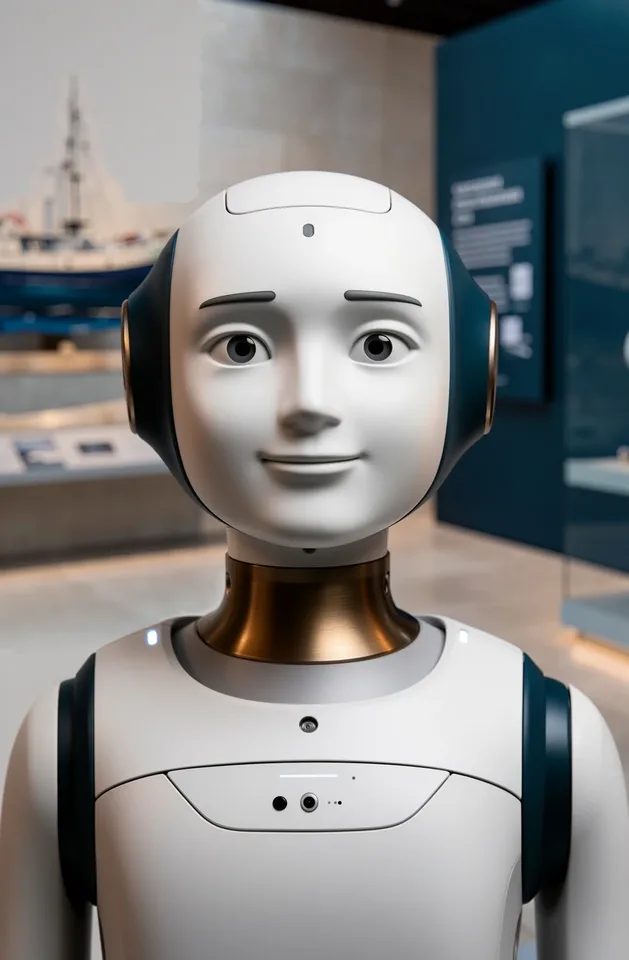 CharactersOriginal characters
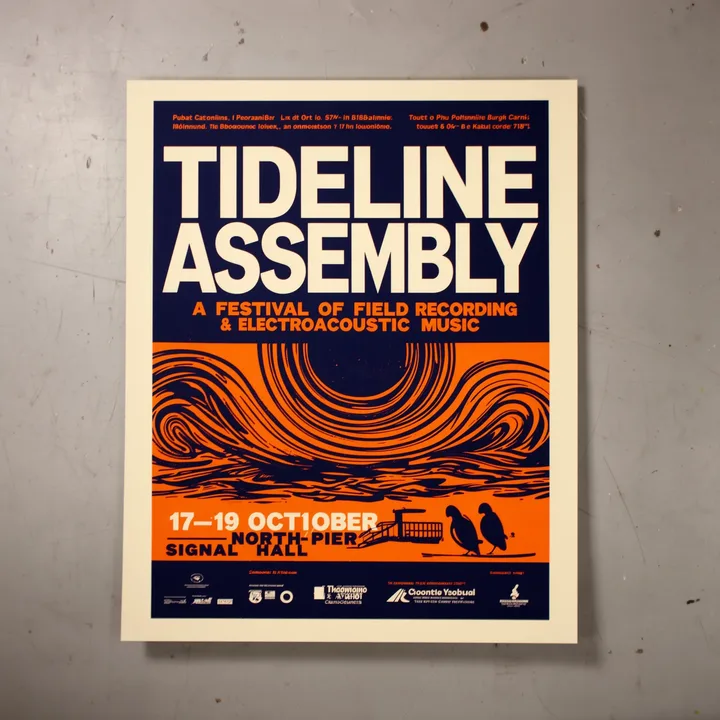 ProductsDesign & typography
 WorldsWorlds beneath us
Illustrative creative artwork. Click an idea to carry its editable brief into Image Studio.
Isolate your subject and create a transparent PNG.
ENHANCEEnlarge an image with the existing 2× upscale workflow.
FINISHCrop, rotate, resize, add text and adjust light and colour.
COMPOSECombine 2–6 images, set spacing and choose the layout.
YOUR RESULTSOpen your private saved image and video results.
YOUR REFERENCESOrganize character and scene notes separately from outputs.
Explore AI image generation or AI video generation, then try an eligible workflow before choosing a paid plan.
Seedream 5.0 Flash
20 image trial credits · 1 per basic image
Open basic Image StudioPruna P-Video
5 seconds each · 720p · 20 seconds total
Open Video StudioTrial credits are added automatically after email verification for eligible new accounts. Valid for 7 days.
No generation credits needed for these planning and on-device editing actions.
Where available, eligible image-trial use shares the same 20 image credits above. These tools do not add another free allowance; using them reduces the images left. Generated images and videos in Luq Cinema or Luq Cast are quoted separately.
Music and Speech are not included in these trials.
Studio confirms your eligibility and remaining allowance. The image trial covers up to 20 basic Seedream 5.0 Flash images in the original image workflow, not every Image Studio model. The video trial covers four Pruna P-Video clips at the stated settings.
Each trial expires 7 days after its own activation. Trial credits are separate from new shared credits. Viewing this offer does not activate a trial, start a subscription or charge your card.
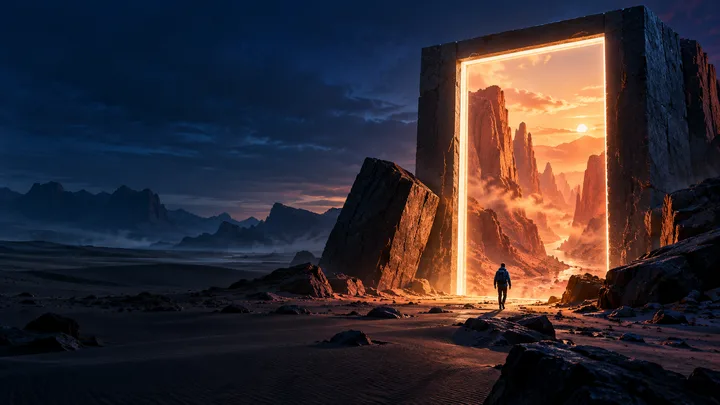
Set the genre. Choose the camera language. Shape the light. Build a complete scene brief with the same connected video catalog.
Native options come from our production catalog. Resolution and duration maxima can depend on each other.
Create from text or an image, with options up to 30 seconds and 1080p.
Open model pickerText and image video with options up to 15 seconds and output up to 4K.
Open model pickerA separate Seedance workflow with text or image inputs, up to 15 seconds and 720p.
Open model pickerText or starting-image video, with a 15-second maximum and output up to 720p.
Open model pickerText and image inputs, up to 30 seconds and 1080p, with an audio option.
Open model pickerText and image workflows with clips up to 15 seconds and output up to 1080p.
Open model pickerText and image video options up to 15 seconds, with a 720p output ceiling.
Open model pickerA separate Kling selection with text or image inputs and output options up to 4K.
Open model pickerText or image to video, up to 8 seconds, with supported output options up to 4K.
Open model pickerAn 8-second text or image workflow with supported output choices up to 4K.
Open model pickerText or image to video, up to 15 seconds and 1440p, with native audio.
Open model pickerText and image video up to 15 seconds, with 768p options and native audio.
Open model pickerBuild a short scene from text or a starting image, up to 10 seconds and 1080p.
Open model pickerStarting-image workflow with clips up to 10 seconds and output up to 1080p.
Open model pickerText or starting-image video, with options up to 10 seconds and 1080p.
Open model pickerText and image inputs with clips up to 20 seconds and output up to 1080p.
Open model pickerGenerate from text or an image, with options up to 20 seconds and 1080p.
Open model pickerText or image video up to 15 seconds and 1080p, with native audio.
Open model pickerChoose a model, then create in Image Studio.
Loading shared creations…
Open CommunityHERE TO HELP
Need help with Ai Luq Ai, or have an idea to work together? Send us a message.
Questions about your account, credits, a generation or a technical issue.
Email support →Creator partnerships, press enquiries and brand collaborations.
Discuss a collaboration →Yes. Explore the public visual collections, tools and model information first. Sign in when you want to generate or access your private saved work.
They are separate balances. The studio shows a model-specific quote before generation. Duration, resolution, references and audio can affect the price; maximum settings can cost more.
No. Showcase footage and creative artwork are inspiration. They are not a promise that a selected model will reproduce the same result. Review each output before use.
No. Your results stay private until you choose Post in Community, add a prompt and confirm public sharing. The post then appears under your public username without manual approval.
Open Image in the top navigation for the complete image workflow. Background Remover, Upscaler, Photo Editor, Collage and your private My Assets each have a separate destination.
Use Trim, Reframe, Rotate, Speed and Mute on your device. For AI changes, choose Edit video with FLUX Video Edit Fast or Extend video with LTX 2.3. Upload or choose a saved video, enter your prompt and review the automatic credit quote before selecting Generate.