YOUR STARTING POINT
Make the brief your own.
Copy the brief, open the studio and paste it into the prompt field. This page does not generate media or spend credits. Review the selected model’s settings and quote before using Generate.
Build a shot list around the product
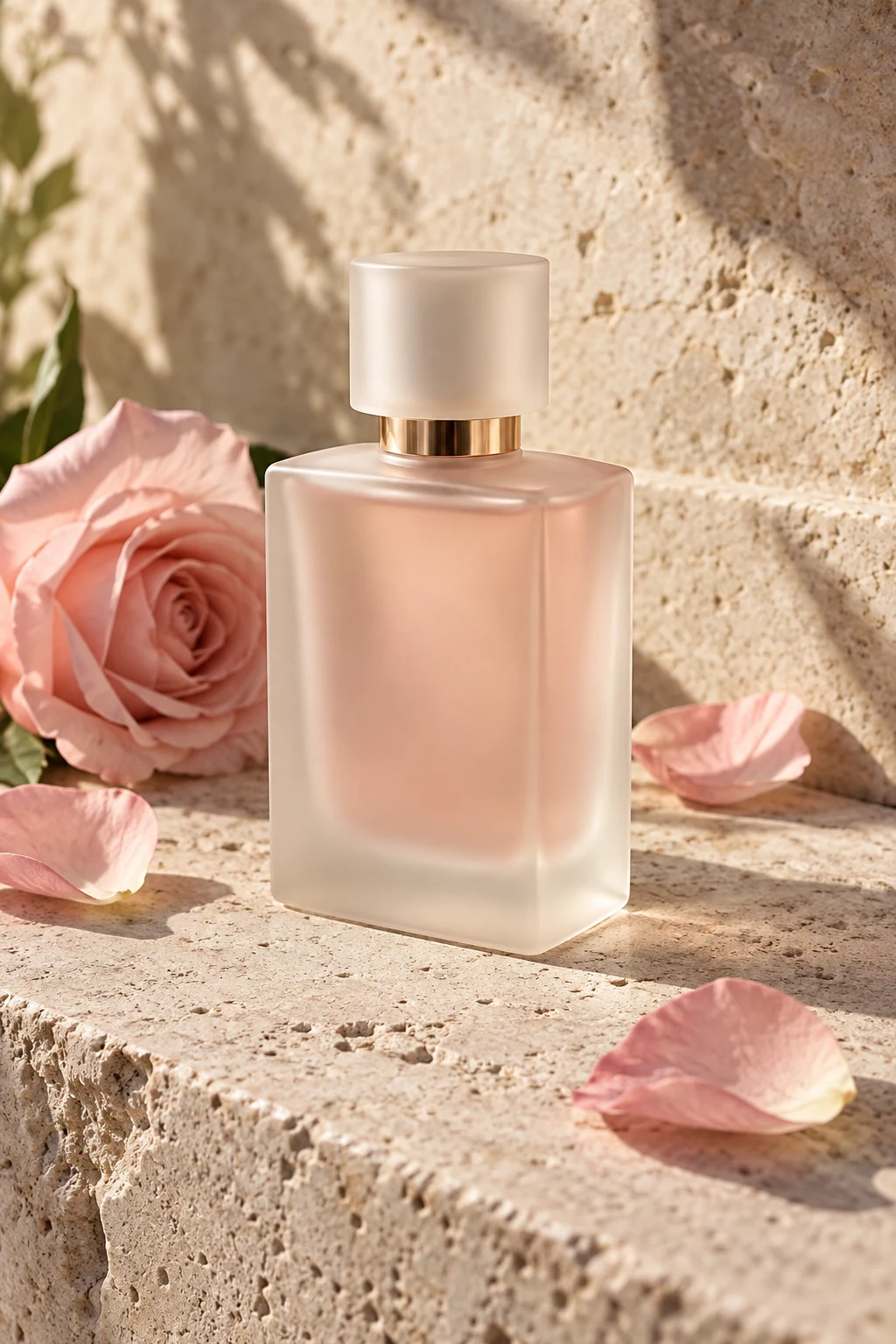
Begin with a plain three-quarter view that explains the object. Follow it with a material detail and one useful lifestyle scene. Reuse the same product description across the set. A ceramic object needs a readable rim, handle and contact shadow; a glass bottle needs reflections that reveal its shape without hiding the label. Choose the job of the image before choosing the mood.
Separate accuracy from atmosphere
A generated concept can help you explore surfaces, framing and lighting, but it can also change packaging geometry or invent lettering. Compare every approved output with the actual product. For a sales listing that needs an exact label or specification, use verified product photography or controlled compositing. Do not present an approximate generated variation as a photograph of the item being sold.
Make a useful second variation
Keep the object and camera angle fixed. Change only the background or the direction of the key light, then compare the images at the same size. This produces a meaningful choice instead of a collection of unrelated pictures. Look at edge definition, shadows and material finish before deciding which version supports the brief.
What happens in the studio?
Paste your prompt into Image Studio and review its available settings before generating. Reference, editing and output options depend on the connected workflow; this brief does not add a model or an editing feature.
Generation is a separate action with a displayed credit quote. Opening or copying this brief is not a generation request. Check the resulting image at full size before using it publicly.