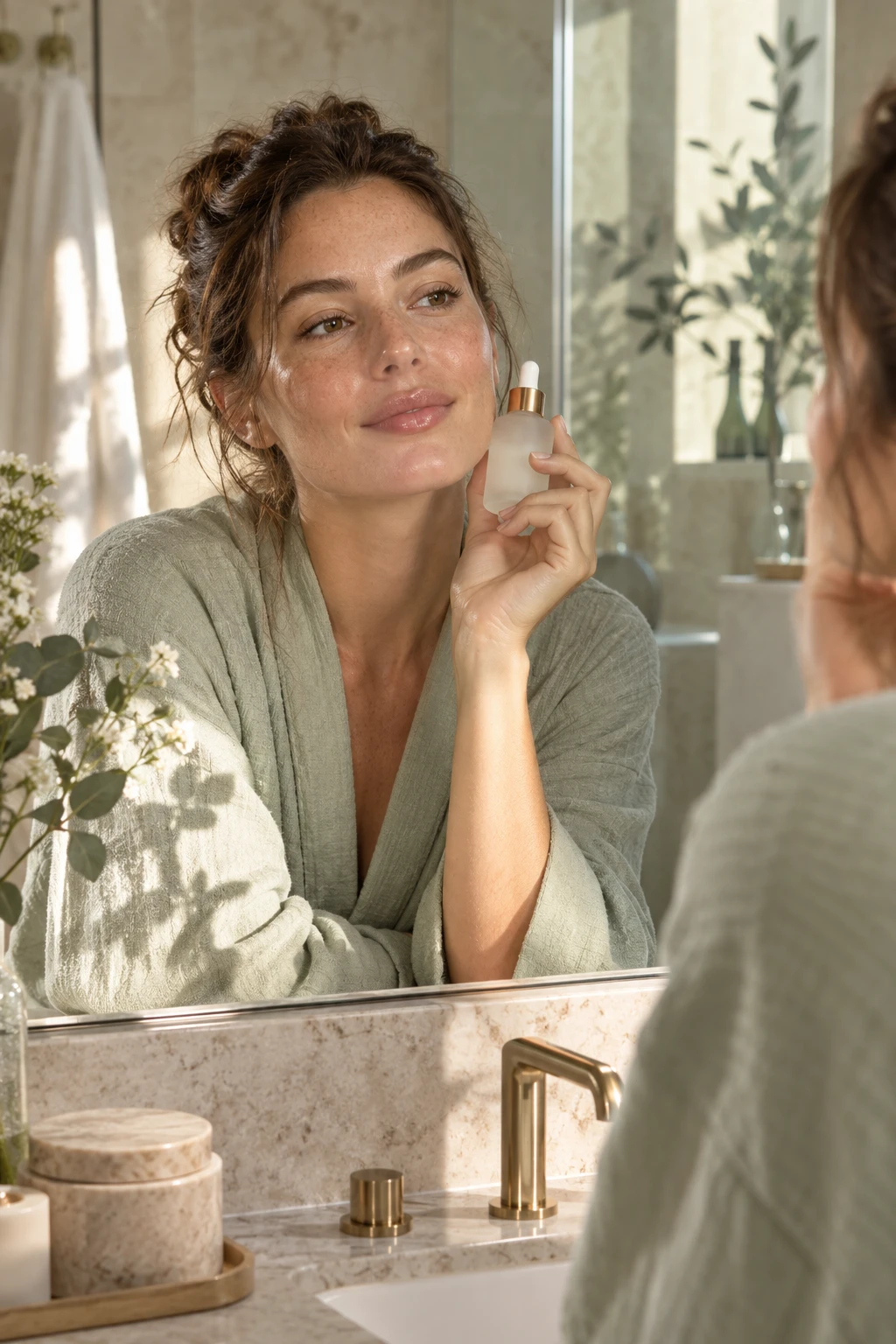
YOUR STARTING POINT
Make the brief your own.
Copy the brief, open the studio and paste it into the prompt field. This page does not generate media or spend credits. Review the selected model’s settings and quote before using Generate.
Start with the purpose of the portrait
A profile image needs a recognizable face at a small size; a magazine-style portrait may need more environment and negative space. Choose the crop first, then specify posture, gaze and light. Keep the background simple enough that it supports the expression. If you use a real person as a reference, get their permission and make clear where the result will be used.
Direct expression with visible details
Rather than stacking words such as confident, powerful and friendly, describe a relaxed jaw, a slight turn toward the light and a clear eye line. Small physical directions are easier to review than an abstract personality. Check eyes, teeth, ears, jewelry and the transition between hair and background at full size. Avoid treating cosmetic smoothing as an automatic improvement.
Compare a consistent set
Keep the same crop, wardrobe and lighting description for your first variations. Change one element at a time, such as gaze or shoulder angle. Save the prompt beside the chosen image so later revisions have a clear starting point. A repeated prompt or reference can help continuity but does not guarantee an identical face in another generation.
What happens in the studio?
Paste your prompt into Image Studio and review its available settings before generating. Reference, editing and output options depend on the connected workflow; this brief does not add a model or an editing feature.
Generation is a separate action with a displayed credit quote. Opening or copying this brief is not a generation request. Check the resulting image at full size before using it publicly.