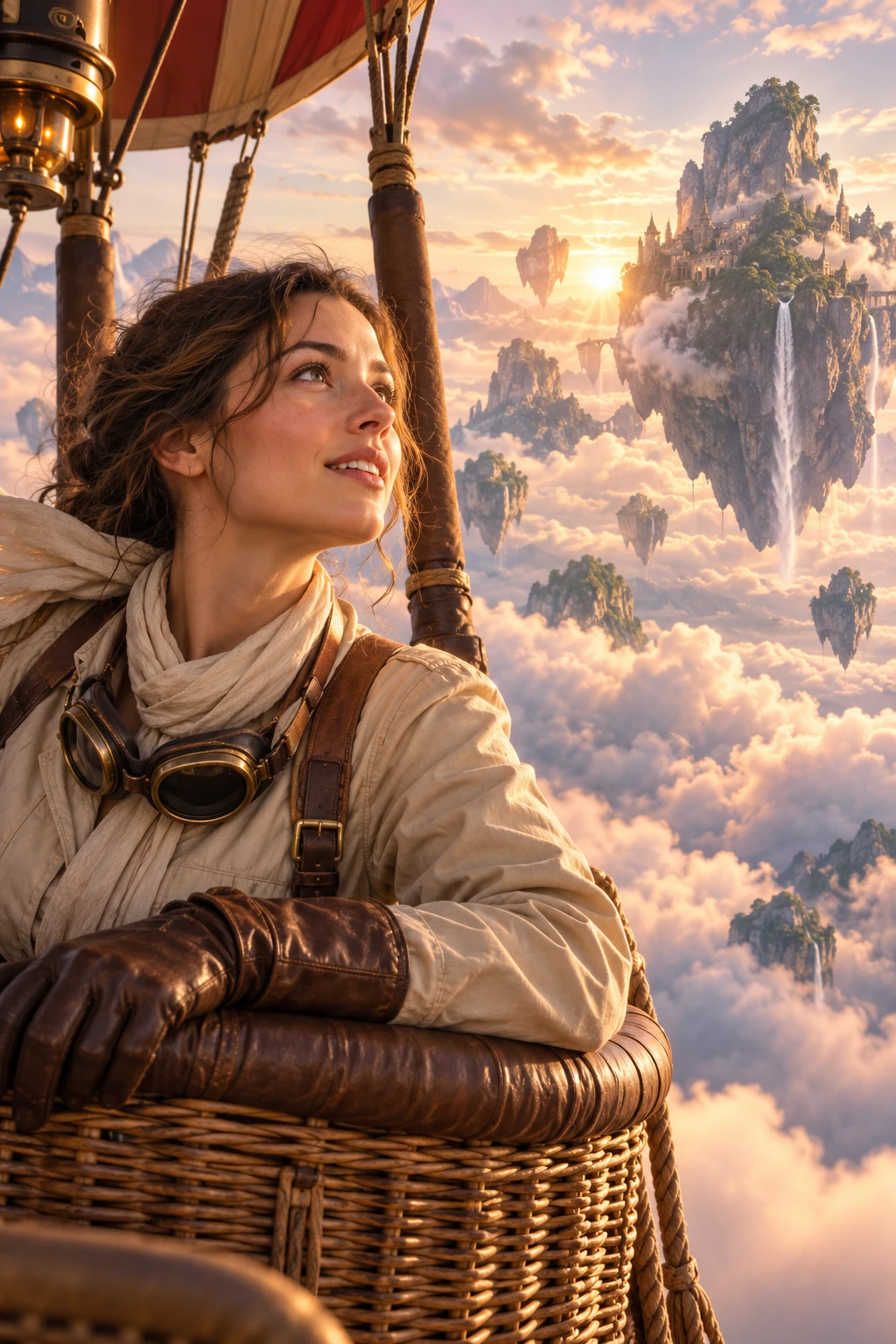
YOUR STARTING POINT
Make the brief your own.
Copy the brief, open the studio and paste it into the prompt field. This page does not generate media or spend credits. Review the selected model’s settings and quote before using Generate.
Give the location a readable route
Choose where a character would enter, where the important action would happen and what landmark tells the audience where they are. Build foreground, middle distance and background around that route. Bridges and balconies should connect in a plausible way even in a fantastical setting. A small amount of empty space can be more useful than filling every surface with detail.
Record the rules of the place
Keep a short location note with the main material, roof shape, landmark, weather and time of day. These decisions help when you request another angle. They do not create a saved 3D scene, so inspect new views for changing building heights and impossible connections. An approved wide view is a reference to compare against, not proof that later viewpoints will share exact geometry.
Reveal the world in a separate shot
If you later animate the background, choose a shallow slide or a gentle push. That asks the video model to invent less unseen architecture than a full orbit. Keep one main landmark stable while clouds or flags provide a restrained amount of motion. Generate and evaluate that clip separately; the still-image prompt does not itself create an animated world.
What happens in the studio?
Paste your prompt into Image Studio and review its available settings before generating. Reference, editing and output options depend on the connected workflow; this brief does not add a model or an editing feature.
Generation is a separate action with a displayed credit quote. Opening or copying this brief is not a generation request. Check the resulting image at full size before using it publicly.
Questions before you start.
How can I use the same city across several shots?
Record the main landmark, materials, palette, weather and time of day in a location brief. Keep the approved image as a reference where supported, then describe each camera angle separately and check recurring structures.
Should the first environment image include the main character?
An empty establishing image can help you approve the geography and lighting first. Add the character in a later brief, describing their scale and position clearly. Combining references depends on the selected model's capabilities.
Is this an animated background or a still-image brief?
This page prepares a still-image brief. To plan motion, open a video brief or Luq Cinema and specify one camera movement and a restrained environmental action. No video is generated by opening this page.